What is in this build
Bring the Vagrant online, chart four star systems, fly to planets, moons, wrecks and stations, scan for resources, accept contracts, improve your ship, and pursue the seven-part signal.
Member game · Seamless open space · Work in progress
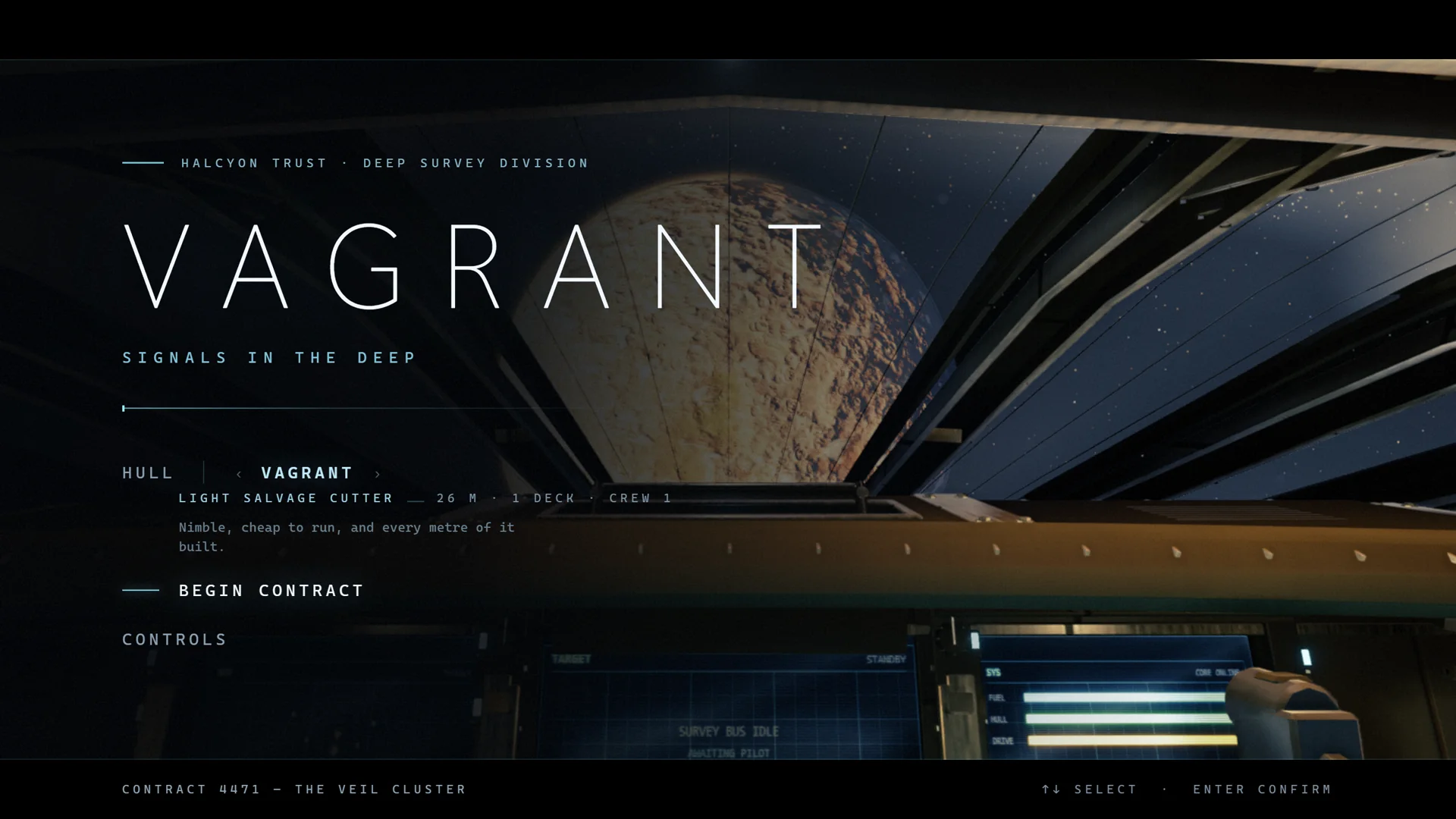
VAGRANT
Vagrant is a seamless open-space exploration game spanning four connected star systems. Choose your route between planets, stations and settlements, then leave the ship to explore on foot. Every destination in the current build is part of the same journey, with no loading screens once you begin. Take contracts or follow seven impossible signals wherever they lead.
Gameplay trailer · 1 min 12 sec
See the current build in motion: fly between four star systems, descend to strange worlds, enter stations and settlements, and walk beyond your ship. Every scene was captured in the work-in-progress game.
Included with every active membership
Vagrant's complete current build is playable from the first wake-up through its current ending. It is still in active development, so features, visuals, balance, loading, performance, and bugs will change over time.
Your progress is saved in this browser. The game currently needs a computer, keyboard, mouse, and a recent browser with WebGL 2 and hardware acceleration.
The first launch downloads a large game build. Keep this tab open while it loads.
Watch the gameplay trailer here, then open this page on a computer with a keyboard and mouse. Sign in there with your membership. Game progress stays in the browser where you played.
This is not the finished game. You may find rough visuals, long first-time loading, uneven performance, or bugs. Every active tier gets the same current build. There is no reduced Receiver version.
Bring the Vagrant online, chart four star systems, fly to planets, moons, wrecks and stations, scan for resources, accept contracts, improve your ship, and pursue the seven-part signal.
W A S D move, Shift run, mouse look, E interact. In the pilot seat, the game shows the full flight controls as you need them. Press Esc to release the mouse.
Start with Balanced. If it is not smooth, relaunch with Performance. Cinematic keeps the original full-resolution presentation and needs more graphics power. These modes lower the 3D render cost, but wider hardware testing is still part of the work in progress.
Send the computer model, browser, graphics profile, and what happened to contact@raphaelurbain.com. That information makes performance and bug reports much easier to fix.